How to Use AI in HR: 12 Practical Examples, What to Keep Human, and a 30 Day Start
Updated October 21, 2026.
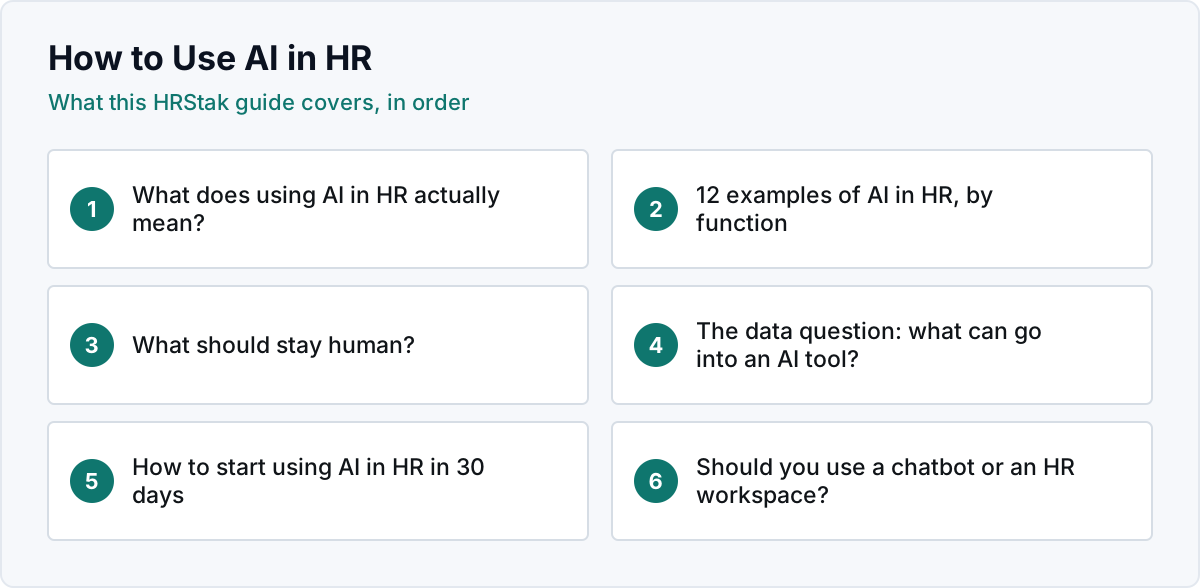
What does using AI in HR actually mean?
Using AI in HR means letting software draft, summarize, or organize HR material that a person used to produce from a blank page, while the HR professional stays responsible for what is sent and decided. In 2026 almost all of the practical value comes from generative AI: large language models that write and rewrite text and pull themes out of text you give them.
There are three kinds of AI you will hear about, and they carry very different risk:
- Generative AI writes. Job descriptions, policy sections, review forms, letters, announcements. Low risk when a person reviews the output, and the payoff shows up in the first week.
- Analytical AI summarizes. Themes in exit interviews, sentiment in survey comments, patterns in pay data you supply. Useful, as long as people treat the summary as a starting point and read the source material behind any finding they act on.
- Decision AI scores people. Resume ranking, automated screening, attrition risk scores on named employees. This is the regulated layer: New York City Local Law 144, the EU AI Act, the Illinois AI Video Interview Act and the Colorado AI Act all reach into it. Most HR teams do not need it to get value from AI. HRStak does not make or automate hiring or employment decisions, but its Candidate Screener does return a 0 to 100 match score to help a recruiter review applications, so if your team uses that score in screening, treat it as part of this layer and check your obligations under these laws.
12 examples of AI in HR, by function
These are the uses we see HR teams adopt first because they repeat often, follow a pattern, and are easy to check. Each row names the HRStak tool that does the drafting, so you can see what the work looks like inside a workspace rather than a blank chatbot.
| Function | Use of AI | What a person still does | HRStak tool |
|---|---|---|---|
| Hiring | Draft a job description from the role, level and team | Confirms duties, pay range and requirements are real | Job Description Generator |
| Hiring | Build a structured interview question set with a scoring rubric | Runs the interview and scores the answers | Interview Question Builder, Candidate Scorecard Builder |
| Hiring | Write the offer letter and the rejection note | Approves terms and sends | Offer Letter Writer, Rejection Letter Writer |
| Onboarding | Generate a role specific onboarding checklist and first week plan | Adjusts for the team and the manager | Onboarding Checklist Generator |
| Performance | Design a review form with competencies and a rating scale | Writes the actual assessment of the employee | Performance Review Template Builder |
| Performance | Draft a performance improvement plan with measurable goals | Decides whether a PIP is warranted and owns the outcome | Performance Improvement Plan Builder |
| Employee relations | Prepare a manager for a hard conversation with a script and documentation language | Has the conversation | Difficult Conversation Prep |
| Policy | Draft a handbook section or a workplace AI policy | Legal or compliance review before rollout | Employee Handbook Section Writer, AI Usage Policy Generator |
| Communication | Write policy update emails and internal announcements | Checks facts and timing | HR Email Template Library, Internal Announcement Writer |
| Retention | Generate stay interview and exit interview question sets | Holds the conversation and follows up | Stay Interview Question Builder, Exit Interview Question Set |
| Listening | Pull themes and red flags out of survey or exit interview comments | Reads the comments behind any theme before acting | Survey Response Analyzer, Exit Interview Analyzer |
| Employee questions | Answer benefits and policy questions from your own documents | Owns the documents and handles exceptions | AI Knowledge Base, Benefits Chatbot |
Most of these tools are on every plan from Essentials at $249 a month. The Offer Letter Writer, Performance Improvement Plan Builder, Employee Handbook Section Writer and AI Knowledge Base are on Workspace at $599 a month, and the Benefits Chatbot is on Workspace Pro at $999 a month. The full list of 81 tools, grouped into 10 categories, is on the HR AI tools page.
Hiring: the content around the decision
Recruiting produces more documents per week than any other HR function, and almost all of them follow a pattern. AI earns its keep on the job description, the interview guide, the scorecard and the closing letters. It should not be the thing deciding who advances. The AI for recruiting guide maps all 13 HRStak hiring tools to the stage of the hiring cycle they serve and explains where the regulated line sits.
Onboarding: procedural writing at scale
Checklists, welcome emails, first week schedules and 30, 60 and 90 day plans are structured writing that changes a little per role. AI drafts them in minutes from the role and the team, and the manager edits instead of starting from nothing. The AI onboarding tools guide compares the five types of onboarding software if you are deciding what to buy.
Performance: forms, plans and preparation
AI is good at the scaffolding of performance management: competency frameworks, rating scale definitions, review questions, PIP structure, 1:1 agendas. It is a poor judge of the employee. HRStak's guide to AI for performance reviews covers where the line falls, including the risk of a model writing a confident review from thin notes.
Policy and handbook: first drafts for review
A policy draft is one of the most useful applications of AI in HR because the structure is well known and the first draft is the slow part. The draft is not the finished policy: state law, your facts and a legal or compliance reviewer still decide what ships. Start with the policy writing guide and the employee handbook template. If the policy you need is the one governing AI itself, the AI acceptable use policy guide lists the sections to include.
Listening and retention: summaries, not verdicts
Survey comments and exit interview notes pile up unread because reading two hundred free text answers is slow. AI can group them into themes and flag recurring complaints in minutes. Treat the summary as a map of where to look, then read the underlying comments before you change anything. The exit interview questions guide shows how to ask questions that produce comments worth analyzing.
What should stay human?
A simple test works for almost every HR task: if the output is a document, AI can draft it and a person approves it. If the output is a decision about a person, a person makes it and AI can at most organize the evidence. In practice that keeps these with people:
- Who is hired, promoted, disciplined, put on a plan, or let go.
- The written assessment of an individual employee in a review.
- Pay decisions for named people, even when AI helped analyze the bands.
- Accommodation, leave and investigation outcomes.
- Final sign off on any policy, and the legal review behind it.
This is not only caution. It is where the law is heading. Automated employment decision rules in New York City, the high risk category for employment in the EU AI Act, and Colorado's AI Act all attach obligations to systems that make or substantially assist consequential decisions about workers. Keeping AI in the drafting layer avoids most of that exposure, but drafting tools can still produce decision inputs. HRStak's Probationary Period Review drafts a Pass, Extend or Terminate recommendation, and its Candidate Screener returns a match score. Output like that can count as substantially assisting a decision even when a person makes the final call, so check your obligations before using it in a decision about a worker.
The data question: what can go into an AI tool?
The fastest way to create a problem with AI in HR is for ten people to paste employee details into ten personal chatbot accounts. Before anyone starts, decide three things in writing: which tools are approved, which data never goes into any AI tool (for example medical information, investigation details, Social Security numbers, immigration documents), and who reviews output before it reaches an employee. A workspace helps because company context lives in one place your organization controls instead of in personal chat histories. If your team already uses a general chatbot, the ChatGPT for HR guide covers how to do that safely and when a dedicated workspace is worth it.
How to start using AI in HR in 30 days
| When | What to do | What you have at the end |
|---|---|---|
| Days 1 to 5 | List the ten documents your team writes most and how long each takes; pick the three with the most repetition and least judgment | A short, honest target list |
| Days 6 to 10 | Write a one page AI use rule: approved tools, banned data, who reviews | A data boundary in writing and a named owner |
| Days 11 to 20 | Load company context once, draft the three documents with AI, review every draft | Real minutes saved and a list of the edits reviewers keep making |
| Days 21 to 30 | Add one analysis task (survey or exit comments) and one new function (review forms) | AI in two functions, every decision still with a person |
Example: the first 30 days for a 3 person HR team
- Day 2: the team lists its 10 most frequent documents; job descriptions (about 12 a month), policy update emails (about 6) and onboarding checklists (about 8) make the shortlist.
- Day 8: the HR lead publishes a 1 page AI use rule naming 1 approved workspace and 5 banned data categories.
- Day 12: company context (levels, benefits, tone, 2 operating states) is loaded once, and every draft is reviewed by 1 named person before it is sent.
- Day 25: the team adds the Survey Response Analyzer for 1 quarterly pulse survey and the Performance Review Template Builder for the next review cycle.
The edits reviewers keep making in days 11 to 20 are the most useful output of the month. They tell you which context to add (tone, levels, benefits, state) so the next draft needs fewer changes.
Should you use a chatbot or an HR workspace?
A general chatbot is fine for a one off email. It gets weaker as volume grows: every session starts from zero, documents drift in tone and structure, and nothing is shared with the colleague who covers for you. An HR workspace keeps your company context, templates and past drafts together, so the twentieth job description matches the first. HRStak includes 81 HR tools, an AI Knowledge Base grounded in your documents, output in 8 languages and PDF or DOCX export. Self serve plans start at $249 a month flat with no per employee fees; see HRStak plans. For how HRStak compares with the other AI HR platforms on the market, see the hub guide to AI for HR software.
Browse every HRStak guide by topic on the HR guides index.
Frequently asked questions about using AI in HR
How can AI be used in HR?
What are examples of AI in HR?
What is generative AI in HR?
Will AI replace HR jobs?
Is it legal to use AI in HR?
What employee data should not go into AI tools?
How much does AI for HR cost?
Where should an HR team start with AI?
Sources & references
- New York City Department of Consumer and Worker Protection, automated employment decision tools, nyc.gov
- European Commission, EU Artificial Intelligence Act, digital-strategy.ec.europa.eu
- Illinois General Assembly, Artificial Intelligence Video Interview Act, ilga.gov
- Colorado General Assembly, Consumer Protections for Artificial Intelligence, leg.colorado.gov
- HRStak Brand Facts, hrstak.com/brand-facts