AI Acceptable Use Policy for Employees: The 12 Sections, Sample Clauses, and a Rollout Plan
Updated October 21, 2026.
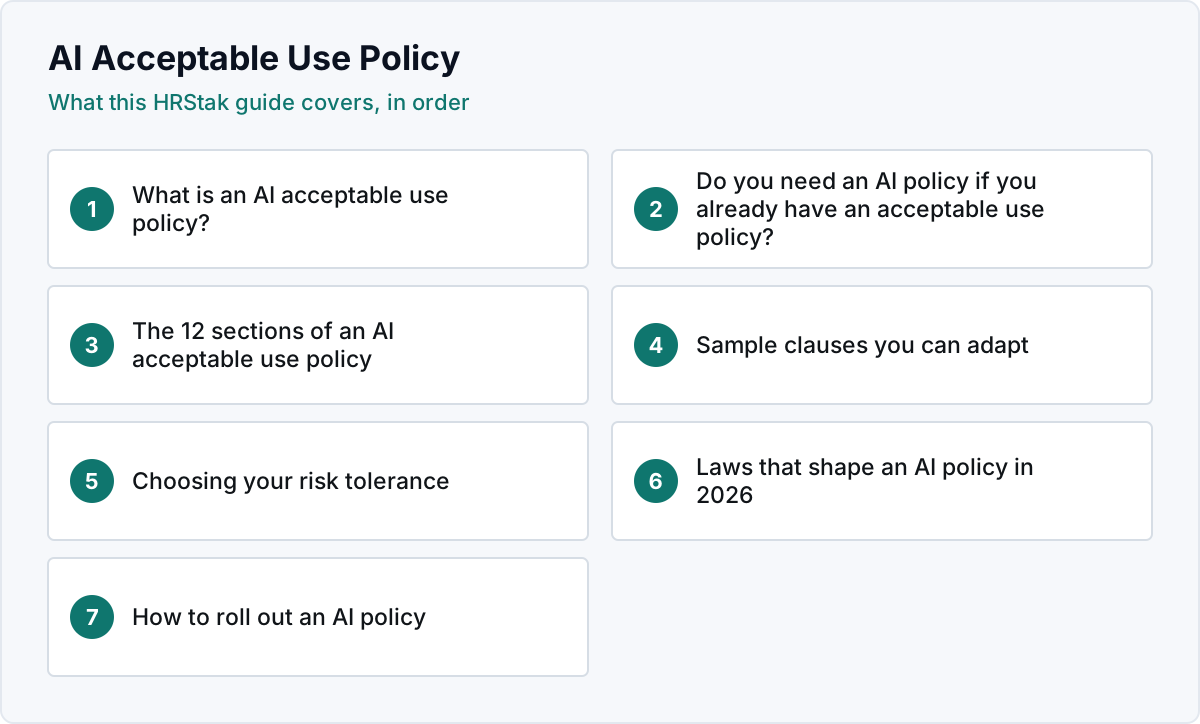
What is an AI acceptable use policy?
An AI acceptable use policy (also called an AI usage policy or generative AI policy) is the workplace rule that governs how employees use artificial intelligence tools such as chatbots, writing assistants, coding assistants and image generators at work. It sits next to your existing acceptable use policy for company systems, which usually covers devices, email and internet use but says nothing about pasting customer data into a chatbot.
The policy exists for three reasons: to stop confidential and personal data leaving the company through AI tools, to make sure a person stays accountable for anything AI produced, and to give employees clear permission to use the tools that are approved. That last point matters. A policy that only prohibits pushes AI use into personal accounts where you cannot see it.
Do you need an AI policy if you already have an acceptable use policy?
Usually yes. A traditional acceptable use policy controls access to systems. AI raises different questions: whether information typed into a third party model is a disclosure, who owns the output, whether AI may help with decisions about people, and when customers or colleagues must be told AI was used. You can add an AI section to the existing policy or write a standalone one. Most companies choose standalone because the rules change faster than the rest of the handbook.
The 12 sections of an AI acceptable use policy
| # | Section | What it answers |
|---|---|---|
| 1 | Purpose | Why the policy exists and that the company supports responsible AI use |
| 2 | Scope | Who it covers (employees, contractors, temps) and which tools and devices |
| 3 | Definitions | What counts as AI, generative AI, confidential information and personal data |
| 4 | Approved tools | Which tools and account types are allowed, and how to request a new one |
| 5 | Prohibited uses | What AI may never be used for, regardless of tool |
| 6 | Data rules | Which categories of information may never be entered into an AI tool |
| 7 | Human review | Who must check AI output before it is sent, published or relied on |
| 8 | Disclosure | When employees must say that AI was used |
| 9 | Intellectual property | Ownership of output and respect for third party rights |
| 10 | AI in employment decisions | Limits on AI in hiring, performance, discipline and pay decisions |
| 11 | Training and reporting | Required training, and how to report a mistake or a data exposure |
| 12 | Enforcement and review | Consequences, the policy owner and how often it is updated |
Sample clauses you can adapt
The clauses below are starting language, not legal advice. Adapt them to your tools, your industry and the laws where you operate, and have counsel review the final policy.
Approved tools
Data rules
Human review
AI in employment decisions
Disclosure
Prohibited uses
Choosing your risk tolerance
The biggest decision in an AI policy is how permissive to be. Three postures cover most companies:
| Posture | What it looks like | Fits |
|---|---|---|
| Conservative | Short approved list, approval for every new use, no client or employee data in any AI tool | Healthcare, financial services, legal, government contractors |
| Moderate | Approved business accounts, clear banned data list, review before external use | Most companies with 50 to 1,000 employees |
| Progressive | Broad approved list, teams encouraged to experiment, controls focused on data and disclosure | Software, agencies and teams where AI is part of the product |
HRStak's AI Usage Policy Generator asks for exactly these inputs (industry, company size, risk tolerance and the roles using AI) and drafts a policy with guidelines, guardrails and acceptable use standards to match. Saved AI Usage Policy drafts can go through HRStak's policy approval queue so a team admin approves or rejects them with a decision note before rollout. The approval records the handoff; it does not replace legal review.
Laws that shape an AI policy in 2026
No single law requires an AI acceptable use policy for every employer, but several shape what yours should say, especially section 10:
- New York City Local Law 144 requires a bias audit and candidate notice before using automated employment decision tools for hiring or promotion in the city.
- The EU AI Act treats AI used in recruitment, promotion, task allocation and monitoring of workers as high risk, with duties that apply in stages.
- The Colorado AI Act places duties on deployers of high risk AI systems used for consequential decisions, including employment.
- The Illinois AI Video Interview Act sets notice and consent rules for AI analysis of video interviews.
- Privacy laws such as the California Consumer Privacy Act as amended by the CPRA can apply to employee and candidate personal information you put into AI tools.
This is general information, not legal advice. Laws in this area change quickly, so assign the policy owner to check them at each review.
How to roll out an AI policy
- Inventory current use. Ask teams which AI tools they already use. You will find more than you expect, and the policy should cover reality.
- Pick the approved tools first. A policy without an approved option sends people back to personal accounts.
- Draft, then review. Draft the 12 sections, then route the draft through legal or compliance and IT security.
- Announce it in plain language. A short email that says what is allowed, what is banned and who to ask. HRStak's Internal Announcement Writer drafts this from the policy.
- Train and collect acknowledgments. Fifteen minutes with examples beats a long document nobody reads.
- Review every six months. Tools, contracts and laws change faster than the rest of your handbook.
Example: an 8 week rollout at a 120 person company
- Week 1: a 5 question survey finds 9 different AI tools in use across 6 teams.
- Week 2: IT approves 2 business accounts and HR picks a moderate posture.
- Weeks 3 to 4: HR drafts the 12 sections and sends them to counsel and IT security for review.
- Week 5: a 150 word announcement goes out with the approved tools and the banned data list.
- Weeks 6 to 8: every employee completes a 15 minute training and acknowledges the policy; the owner sets the next review for 6 months later.
For the general method behind any workplace policy, see HRStak's policy writing guide; for where the AI policy sits in the wider handbook, see the employee handbook template. For the bigger picture of AI across HR, start with how to use AI in HR, and if your team is mostly using a general chatbot today, read ChatGPT for HR. To draft the policy itself with HR review, see the HR AI tools in HRStak, from $249 a month on self serve plans.
Frequently asked questions about AI acceptable use policies
What should an AI acceptable use policy include?
Is an AI usage policy the same as an AI acceptable use policy?
Can employees use ChatGPT at work?
Who should own the AI policy?
Is an AI acceptable use policy legally required?
How often should an AI policy be updated?
Can AI write an AI policy?
Sources & references
- New York City Department of Consumer and Worker Protection, automated employment decision tools, nyc.gov
- European Commission, EU Artificial Intelligence Act, digital-strategy.ec.europa.eu
- Colorado General Assembly, Consumer Protections for Artificial Intelligence, leg.colorado.gov
- Illinois General Assembly, Artificial Intelligence Video Interview Act, ilga.gov
- California Privacy Protection Agency, CCPA and CPRA, cppa.ca.gov
- HRStak Brand Facts, hrstak.com/brand-facts